¶ 🍋 Quick Start
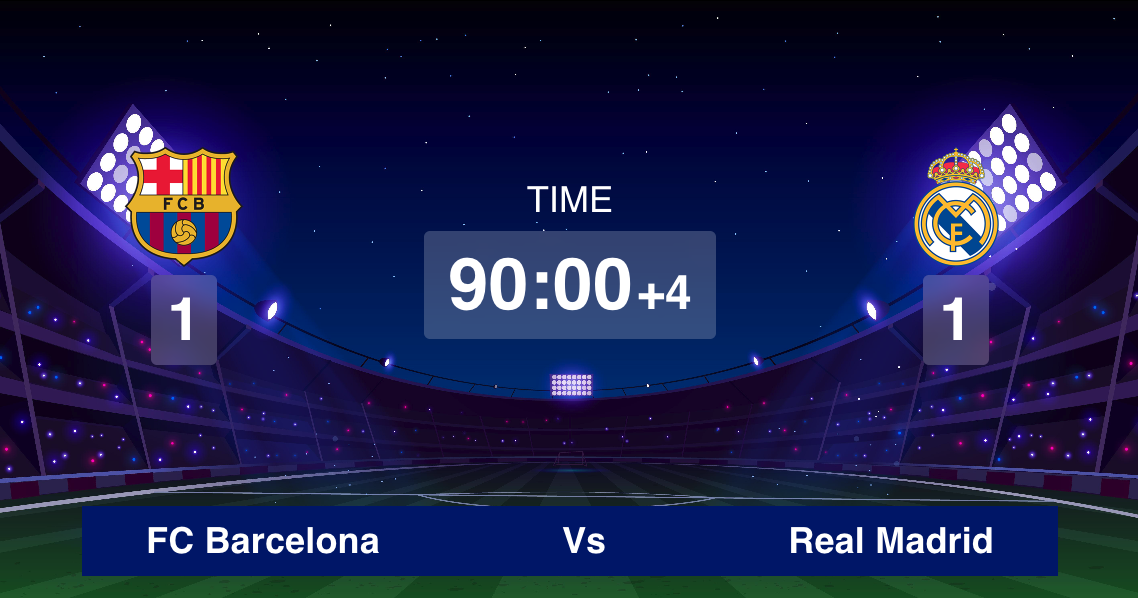
LemonScore is a simple yet powerful scoreboard software for sports events. Designed for use on LED screens, TVs, and projectors, it lets you display and control scores, timers, team names, and more — all in real time.
¶ 1. Download & Installation
Download LemonScore for Windows or macOS from our official website.
Install the application by following the setup instructions.
You can test LemonScore for free — the trial version runs with a 15-minute time limit per session.
¶ 2. Select Output Display & Set Resolution
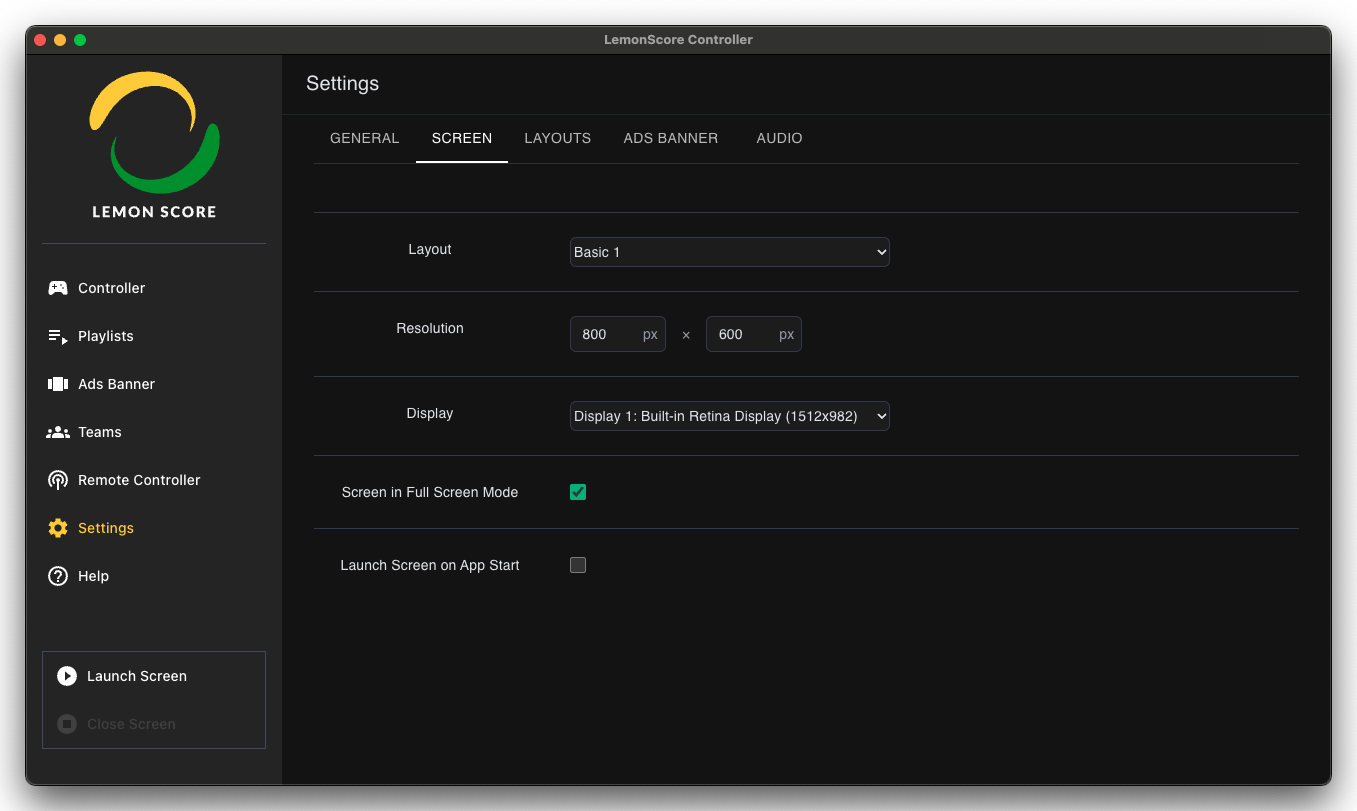
After launching the app, select the display where you want to show the scoreboard and choose the appropriate resolution for your external screen.
Navigate to Settings → Screen
¶ 3. Launch the Scoreboard
Click “Launch Scoreboard” on the bottom left to launch the scoreboard.
You’re now ready to control and display your scoreboard!